Virtual trail to the Iron Treasure of Ralsko (Ralsko, CZ)
virtual reality - nature - discoveries in the field
Popis zážitku
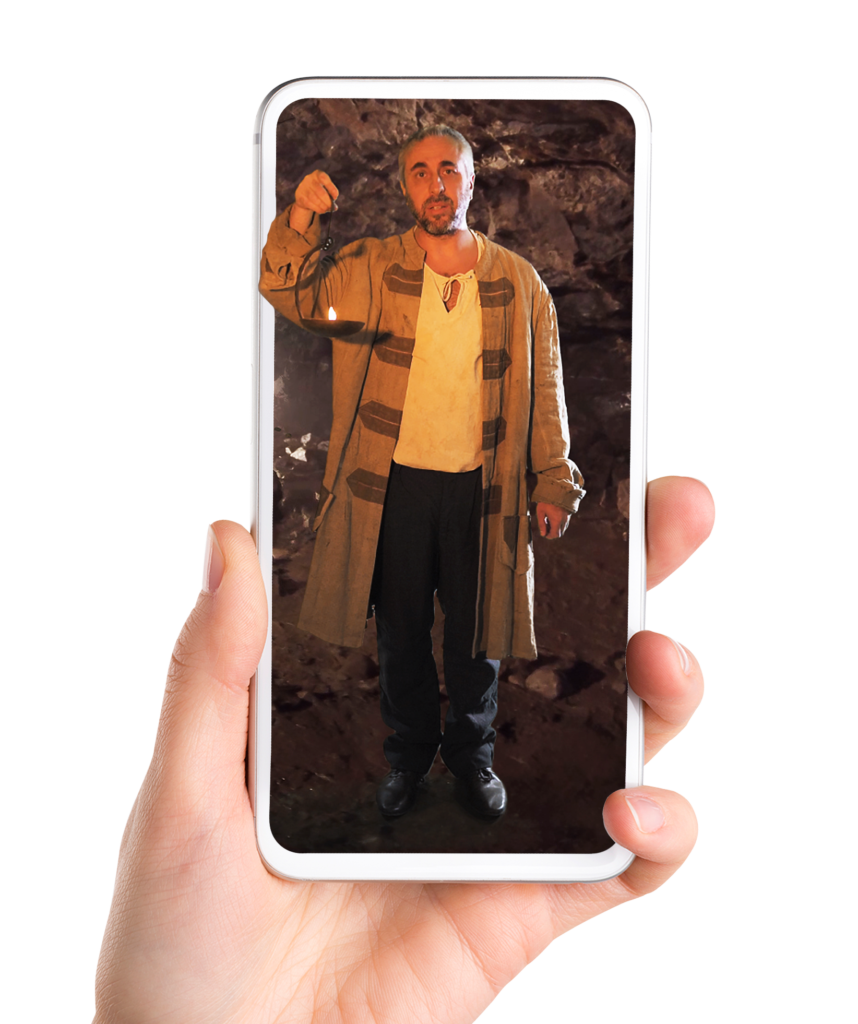
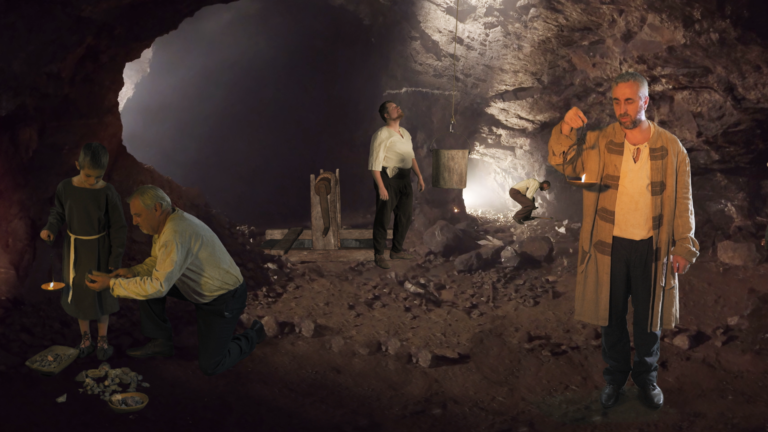
The virtual trail with elements of augmented reality will take you to places in Geopark Ralsko that are associated with the historical mining of iron ore
Embark on a journey through time and immerse yourself in the stories of local history!
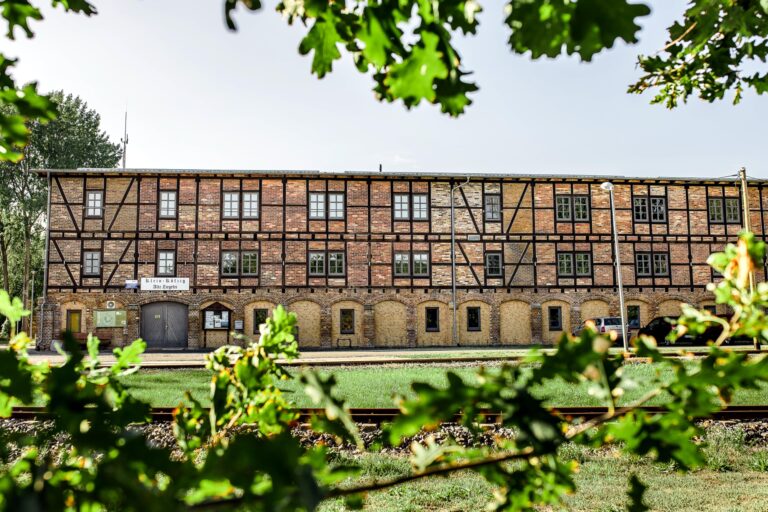
Hammer mills and blast furnaces
The local area was always relatively poor in agricultural yields, because sandy soil is not very fertile. On the other hand, there were iron-rich rocks, forests suitable for the production of charcoal, and rivers and ponds for powering mills and crushing plants. From
the 16th to the late 18th century, there were ongoing efforts to mine and process iron ore. Many traces of these activities remained in the landscape. They may be hard to see at first glance, but those who know where to look will find them, discovering that this area, which is now a place of peace and relaxation, was once a very lively enterprise.
The application uses three types of visualisations – augmented reality, videosphere and video. You can be in the middle of the action with your phone. However, you need a phone that supports AR (augmented reality) to ensure the visualisations will work properly. If your phone doesn‘t support AR, you can still follow the trail, discover places with hidden stories and use the educational boards with text and pictures.
1. Download the application. The application requires fast data flow, so we recommend downloading it with a wi-fi connection. 2. Once you download the application, head out on the trail; find the board at the stop and open the visualisation with the QR code on the board. 3. After you open the visualisation, first point your phone at the ground until a logo of the geopark appears, because the model needs to hold on to a hard surface. Then use the arrow to start the visualisation. You can walk around the model. Use the circle with arrows to control the model and rotate it. 4. We‘ve fi lmed an instructional video in which we describe how to work with the application.
Víte že...
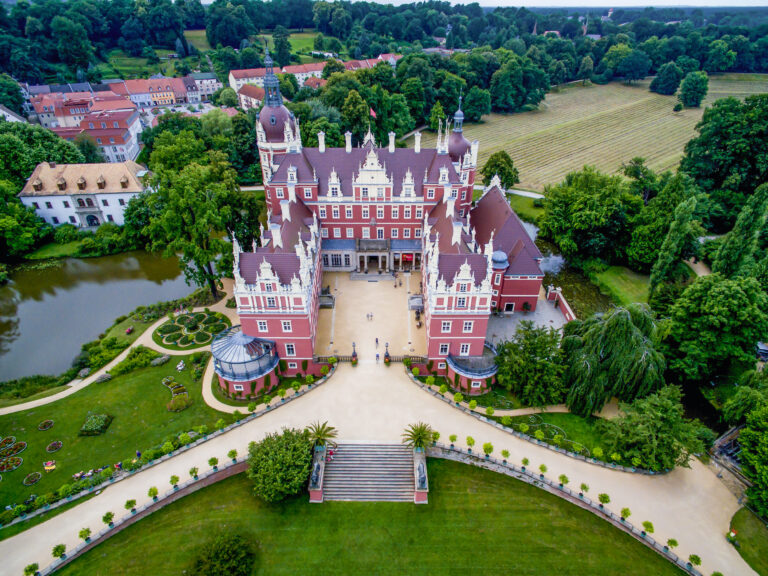
The virtual trail starts in the park at the castle in Doksy. Here you have the opportunity to meet Count Vincent Ferrer Wallenstein and even take a picture with him! Virtual reality allows such things as well.
Praktické informace
There are 11 stops on the virtual trail.
These stops are divided into 4 circuits
around Doksy, Hradčany, Hamr na Jezeře
and Mimoň, and they include an easy
walk.
Galerie
Objevte další zážitky
Každé místo je unikátní a skrývá mnoho vrstev. Vydejte se s námi do krajiny, kam se vrátila divočina.